Plantilla de Etiquetado de Respuestas de Estudiantes Plantilla

This Google‑Sheets template lets you capture, tag, and analyse students’ answers on how their families help with school work. The workbook is split into three tabs:
- Responses – paste each raw answer in column A. Column B contains a data‑validation dropdown that lets you select one or more of the predefined tags (e.g., "Explicaciones/TPC", "Motivación verbal", "Apoyo emocional", "Orientación estratégica", "Presencia activa", "Castigos/Recompensas", "Centro de estudios / explicador externo", "Nada", "No sabe", "No especifica", "Ayuda psicológica/terapia", "No tengo dificultades escolares"). The dropdown uses the comma‑no‑space format required by Google Sheets for multi‑select fields.
- Tag Summary – a pivot‑style table automatically counts how many times each tag appears, giving you a quick overview of the most common types of family support.
- Insights – charts and conditional formatting highlight trends, such as the proportion of emotional support versus academic tutoring, helping you spot gaps or strengths in the support network.
The template solves the common problem of manually coding open‑ended feedback. Instead of scrolling through long paragraphs and trying to remember which categories apply, you simply click the dropdown and let the sheet do the heavy lifting. This saves time, reduces human error, and creates a structured dataset you can share with teachers, counselors, or research teams.
It is ideal for educators, school psychologists, and program coordinators who need to understand how families contribute to students’ learning journeys. Whether you are running a pilot study, preparing a report for a school board, or just want to keep a personal log of the support your child receives, this sheet adapts to any scale.
How to use
- Paste each student’s answer into the first column of the Responses sheet.
- Click the cell in the adjacent column and choose all applicable tags from the multi‑select dropdown (separate selections with commas, no spaces).
- Switch to the Tag Summary tab to see counts update instantly; use the built‑in filters to focus on specific tags.
- Review the Insights charts to identify which support types are most frequent and where additional resources might be needed.
Expected benefits include a noticeable reduction in the time spent coding qualitative data and clearer, data‑driven insights that can inform interventions or policy decisions.
Recomendación de plantillas similares
Resultados y Ranking Secundaria Plantilla
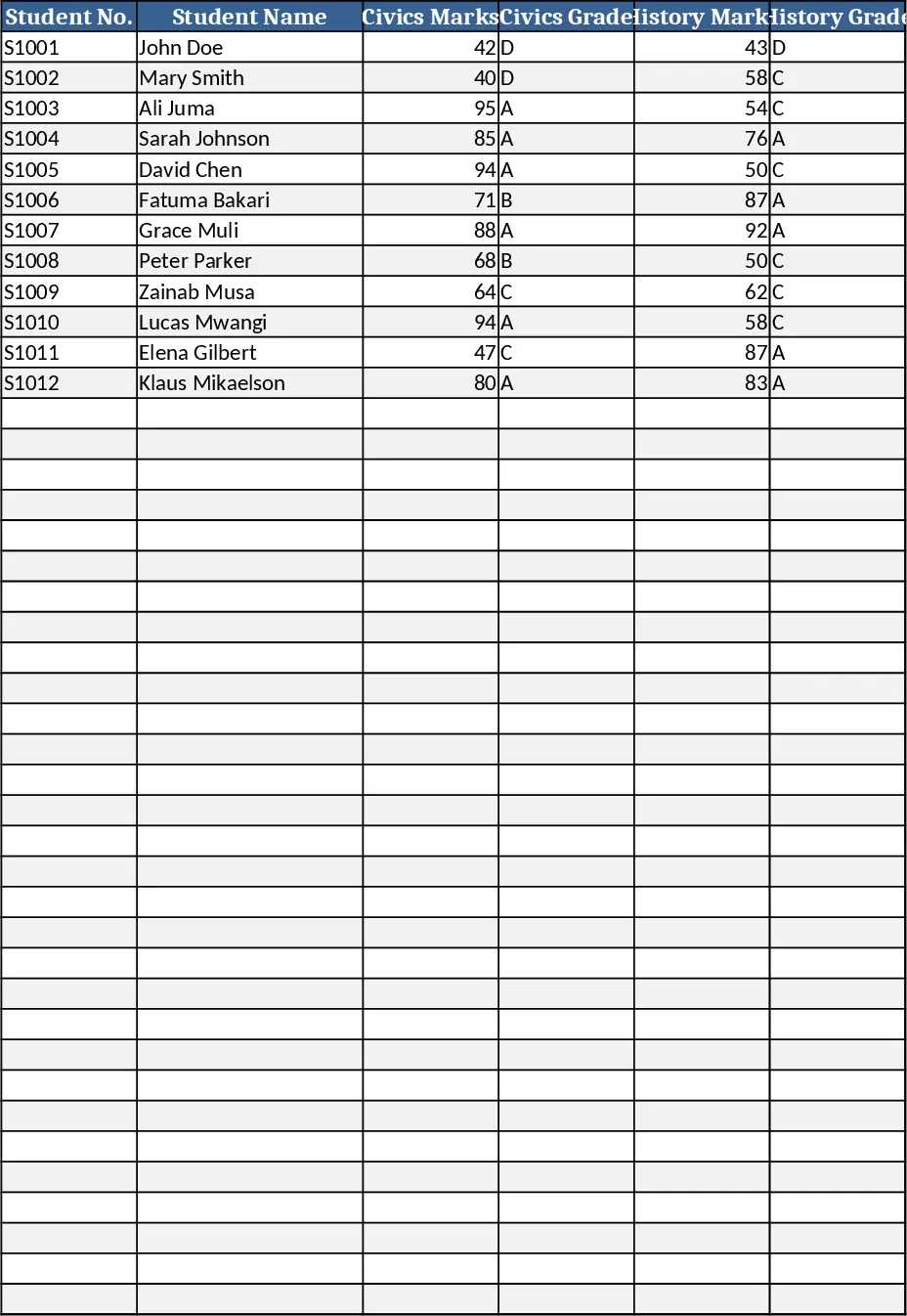
Registra hasta 200 notas de estudiantes de secundaria, calcula automáticamente calificaciones, promedios, divisiones y rankings en una hoja clara y formateada.
Presupuesto y Flujo de Caja para Parejas Plantilla
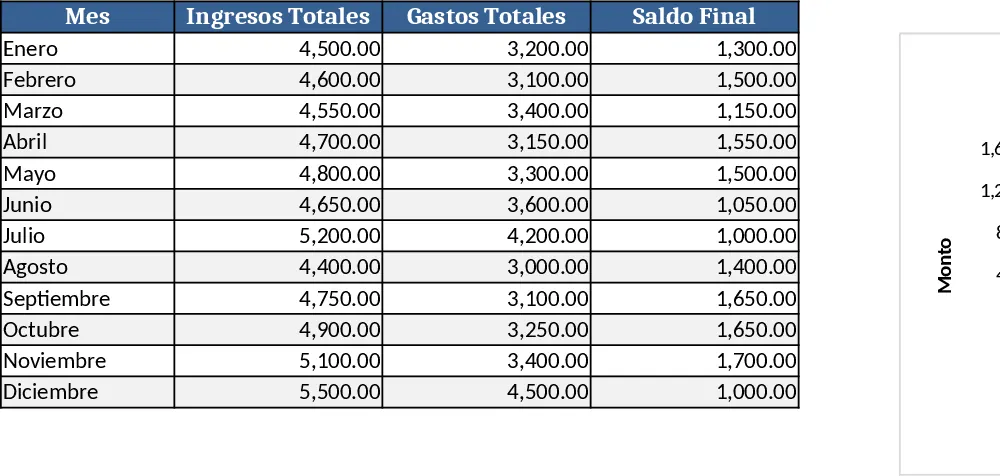
Seguimiento mensual de ingresos, gastos y flujo de caja para una pareja trabajadora, visualiza presupuestos y metas de ahorro en una sola hoja de cálculo.
Fechas y Registro Interno Plantilla
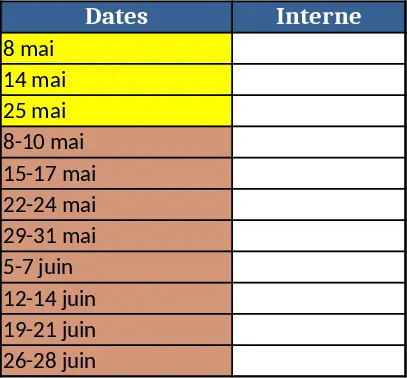
Crea un archivo de Excel con dos columnas para fechas y notas internas, con filas coloreadas para diferentes rangos de fechas.