Inventario, Ventas y Gastos Plantilla
Running a small business requires a clear understanding of your numbers, but manual bookkeeping can quickly become overwhelming. This Integrated Inventory, Sales, and Expenses Template is built to act as a central command center for your retail or service operations. It bridges the gap between simple list-making and complex accounting software, offering a streamlined way to monitor your stock levels, track every dollar coming in, and account for every cent going out. By using integrated formulas, the template does the heavy lifting, transforming raw data into actionable insights about your profit margins and business sustainability.
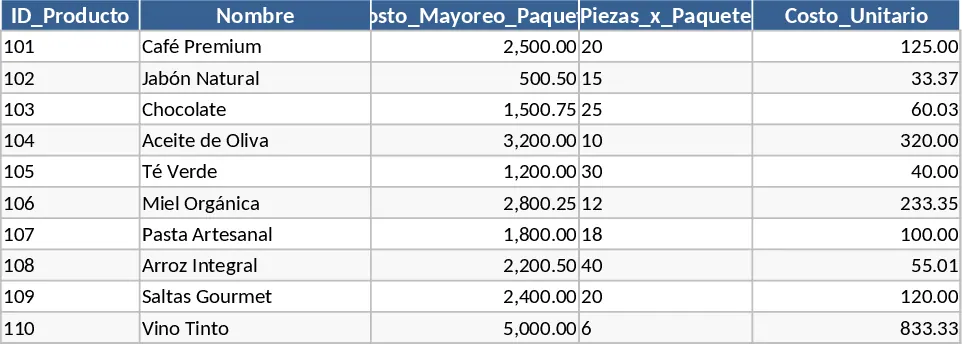
The structure is divided into three functional areas. The Inventory sheet serves as your master database where you record product names, wholesale costs, and packaging details. It automatically calculates the unit cost and profit margin, helping you see exactly how much you earn on every sale. The Daily Sales sheet is designed for quick entry during a busy workday; it uses dropdown menus to ensure data consistency and automatically calculates revenue and real profit based on your inventory settings. Finally, the Expenses sheet captures the often-overlooked costs of doing business, such as packaging, fuel, or utilities, ensuring your final profit figures are accurate and realistic.
This tool is ideal for boutique owners, online sellers, and local vendors who need to move beyond basic spreadsheets. It solves the problem of hidden costs by forcing a holistic view of the business—showing that profit isn't just about the sale price, but also about managing expenses and understanding unit economics. By using this template, you can identify which products are truly driving your growth and which ones might be costing you money. It provides the clarity needed to make informed decisions about restocking, pricing adjustments, and cost‑cutting measures.
How to use:
- Start by populating the Inventory sheet with your current stock, entering the wholesale price and the number of units per package to establish your base costs and target margins.
- When a sale occurs, go to the Daily Sales sheet, select the item from the dropdown menu, and enter the quantity; the template will instantly show your revenue and profit for that transaction.
- Throughout the month, record any operational costs in the Expenses sheet to maintain a complete financial record of your overhead.
- Regularly review these sheets to compare your total sales against your expenses to see your net performance and business health.
Expected benefits: You can expect to save hours on manual calculations and gain a much more accurate understanding of your business's actual take‑home pay.
Recomendación de plantillas similares
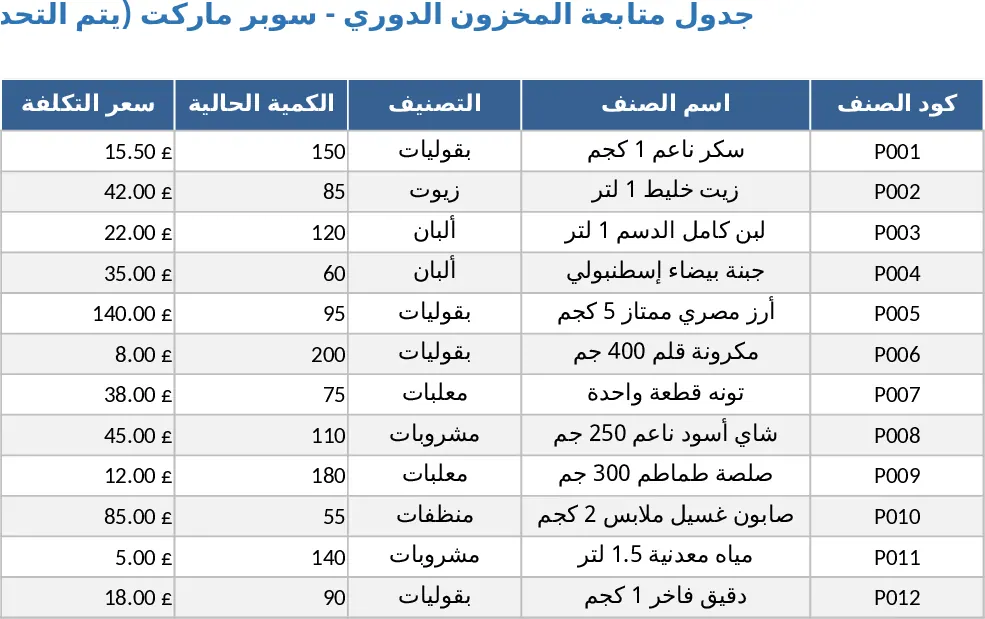
Ventas e Inventario de Supermercado Plantilla
Rastrea las ventas diarias del supermercado, controla los niveles de inventario y calcula los márgenes de beneficio en un único panel de Excel.
Gestión y Control de Tienda de Papelería Plantilla
Gestiona eficientemente el inventario de tu tienda de papelería, rastrea las transacciones diarias de ventas y supervisa los pedidos a proveedores en un panel centralizado.
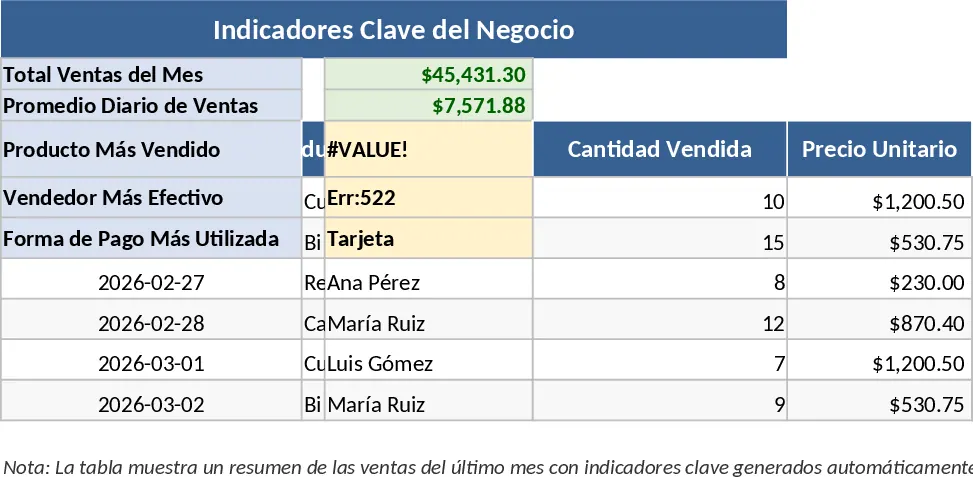
Plantilla Anual de Ventas y Stock de Helados Plantilla
Registra las ventas diarias de helado, gestiona los niveles de inventario durante 12 meses y calcula los beneficios mensuales y los objetivos de ahorro en un solo libro de trabajo.