ケンブリッジ・イン幼稚園成績表 テンプレート

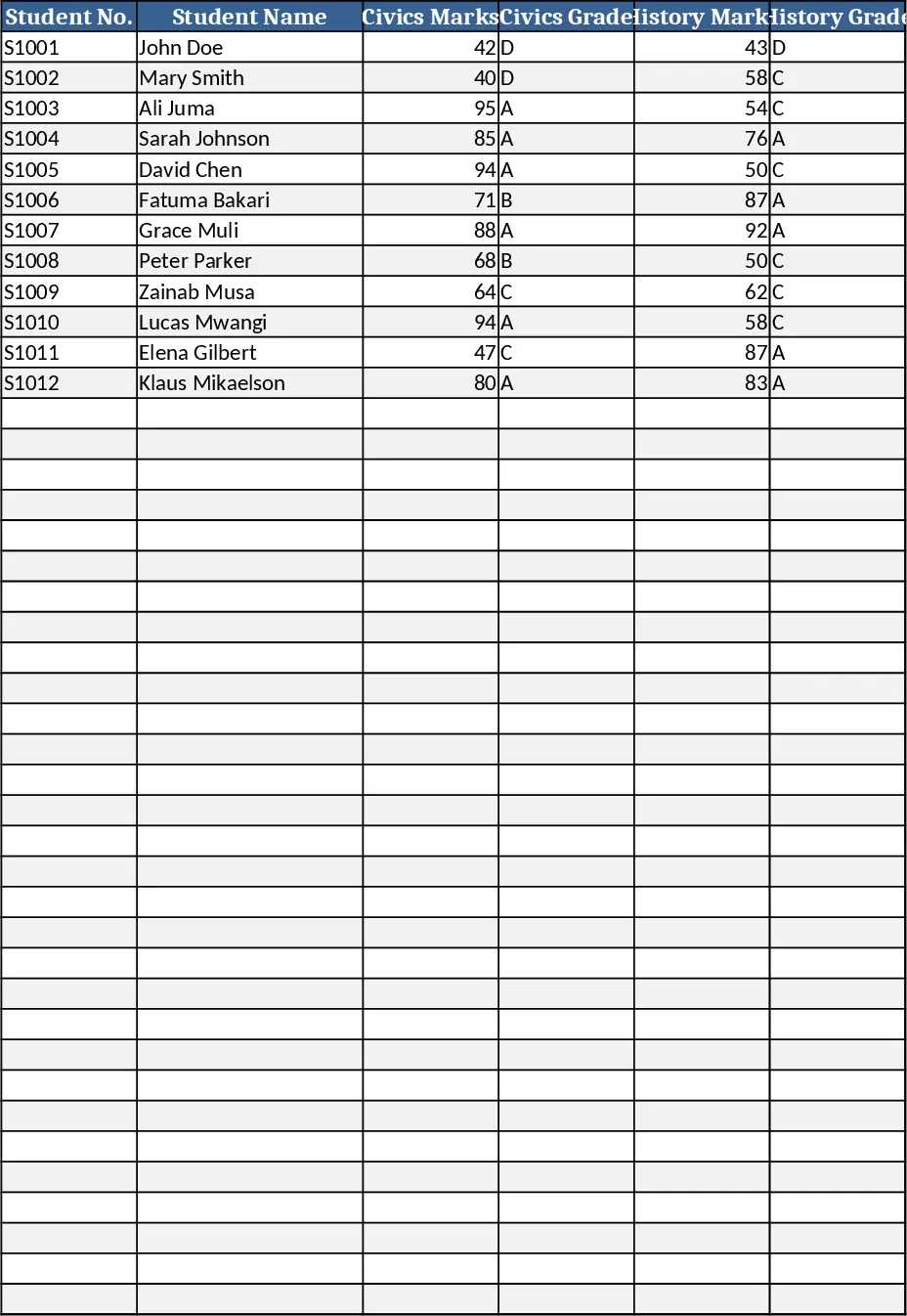
The Pre‑Primary School Report Card template is designed for early‑year classrooms like PG, Nursery and KG. All students are listed on a single worksheet, each row representing one child, with columns for basic details (Student Name, Class, Roll Number, Section) followed by a full set of academic assessment fields for English, Mathematics, General Knowledge, Activity/Coloring, and Islamiat/Nazra. Each subject includes Class Test, 1st, 2nd, and Final Assessment scores, and the sheet automatically sums these into a Total Marks column, calculates the Percentage, and assigns a Grade (A, B, C, etc.) based on the percentage. The top of the sheet features a bold title "Cambridge Inn Report Card" and a placeholder for the school logo, all styled with a bright, child‑friendly colour palette and clear table borders. The header row is frozen, column widths are pre‑adjusted for readability, and the layout is set to print‑ready A4 landscape.
This template solves the common headache of manually compiling report cards for dozens of young learners. Teachers no longer need to copy‑paste formulas or worry about inconsistent formatting; the built‑in calculations ensure accurate totals and grades instantly. The visual design keeps the document engaging for parents while maintaining professionalism. It is ideal for early‑year teachers, school administrators, and homeschooling parents who need a quick, reliable way to produce polished report cards at the end of each term.
The sheet tracks each student's performance across core subjects and extracurricular activities, providing a comprehensive snapshot of academic progress and personal development. By consolidating all data on one page, it simplifies record‑keeping, makes it easy to compare students, and supports transparent communication with parents through the Teacher Remarks column.
How to use
- Open the workbook and replace the placeholder with your school logo. Then, fill in the student details (Name, Class, Roll Number, Section) in the first four columns.
- Enter the scores for each assessment item under the subject columns. The template will instantly update the Total Marks, Percentage and Grade columns.
- Add any personalized comments in the Teacher Remarks field for each student.
- When all data is entered, review the automatically generated grades, then print the sheet (A4 landscape) or export it as PDF for distribution.
Expected benefits: saves time on calculations and formatting, reduces errors, and delivers a professional‑looking report card with minimal effort.