プロフェッショナル ビジネス ダッシュボード テンプレート
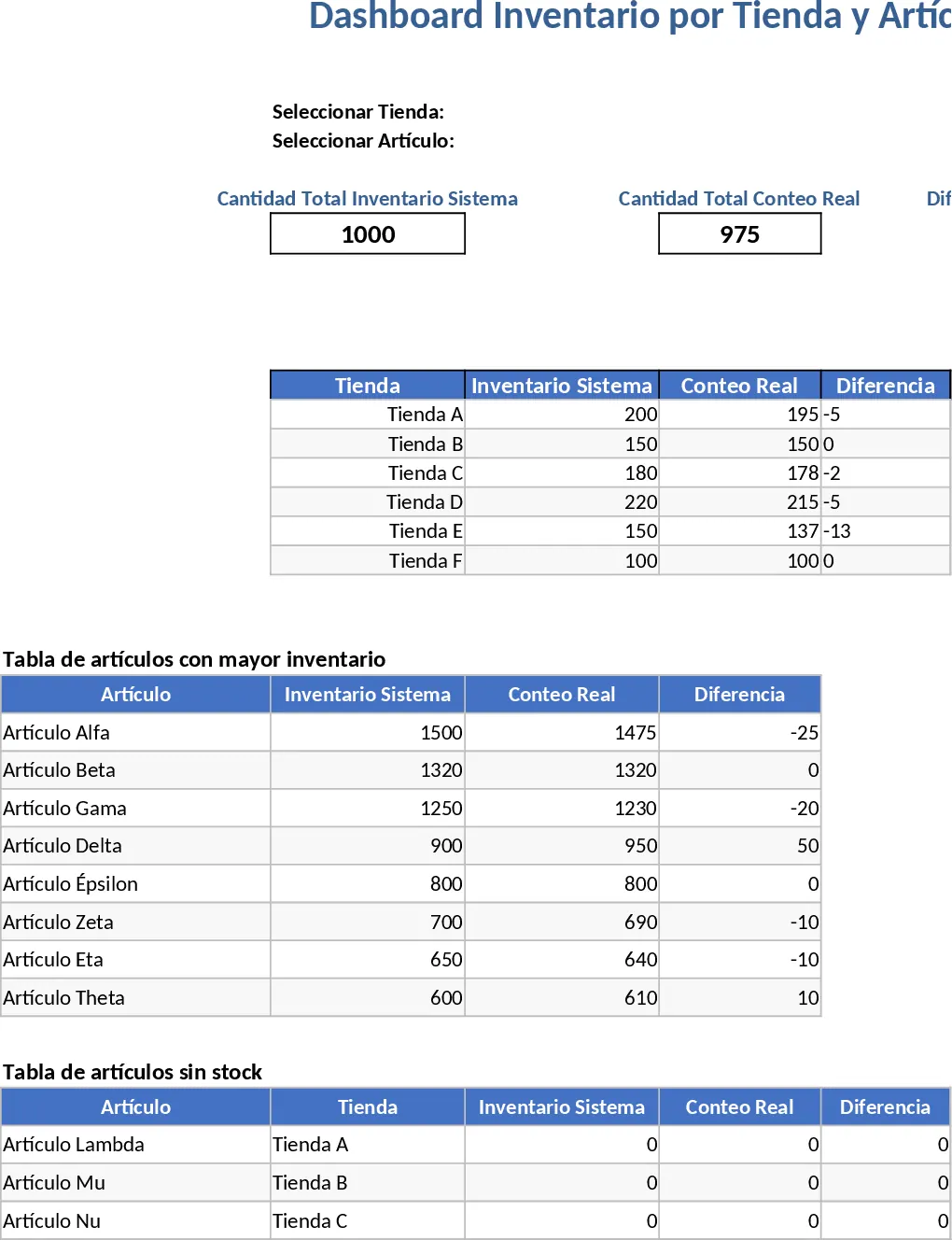
The Dashboard Overview template serves as a sophisticated command center for your data, meticulously designed to bridge the gap between raw information and strategic action.
At its core, the template is structured into three primary components: a robust Data Entry sheet, a Configuration module, and the Visual Dashboard itself.
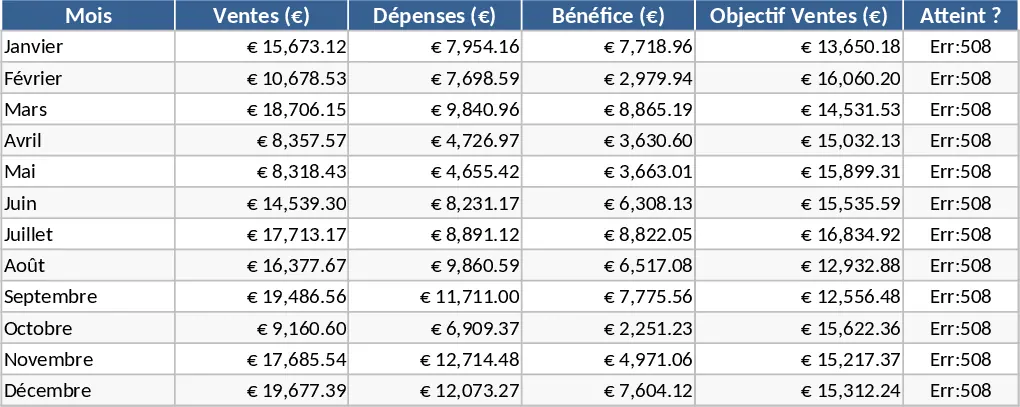
The Data Entry sheet is where the heavy lifting happens; it features structured columns for dates, categories, numerical values, and status indicators.
The Configuration module allows you to customize dropdown menus and set specific performance thresholds, ensuring the dashboard reflects your unique business logic.
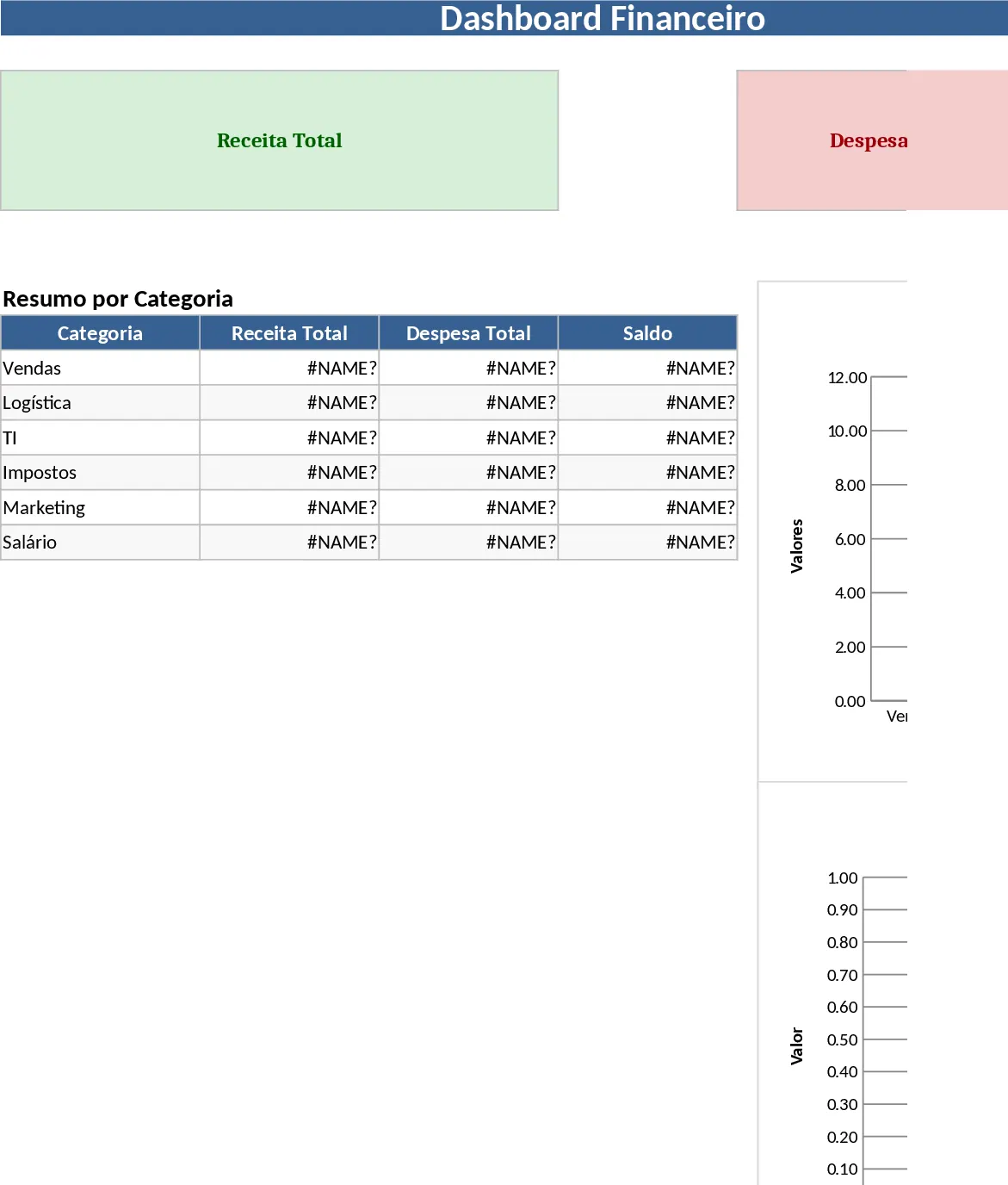
Finally, the Visual Dashboard aggregates this data into a series of interactive charts, including bar graphs for comparisons, line charts for trend analysis, and circular gauges for goal tracking.
This structure ensures that even complex datasets are organized logically, making the transition from data collection to data visualization seamless and intuitive.
In today’s fast-paced business environment, the primary challenge is often not a lack of data, but the inability to interpret it quickly. This template solves that problem by providing an automated layer of analysis. Instead of spending hours every week manually creating charts in Excel, you can simply update your numbers and watch the visuals adjust instantly. This streamlines your daily workflow, allowing you to spend more time on analysis and less on formatting. It eliminates the risk of manual calculation errors and ensures that everyone on your team is looking at the same set of validated figures. By centralizing your reporting, you reduce the friction of switching between different files and software, creating a more cohesive environment for your business intelligence needs.
This tool is indispensable for executives, department leads, and data analysts who need to provide regular updates to stakeholders. It is particularly effective in scenarios such as quarterly business reviews, project post-mortems, or daily operational stand-ups. For a small business owner, it might track revenue and expenses; for a marketing manager, it could track campaign reach and conversion rates. Regardless of the specific industry, the template provides a high-level perspective that is crucial for maintaining organizational alignment. It is designed for anyone who needs to present data to others, as the professional layout is ready for screen sharing or printing without any additional design work.
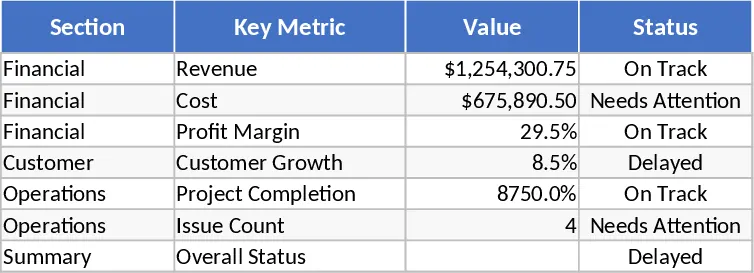
By tracking metrics like period-over-period growth, variance from budget, and achievement percentages, the template helps you manage the pulse of your projects or business units. It highlights outliers—those data points that are significantly above or below average—enabling you to investigate the root causes of success or failure. This level of transparency is vital for fostering a culture of accountability and continuous improvement within any organization. The reason this template is so effective lies in its ability to provide at-a-glance intelligence. In a world where decision-makers are constantly bombarded with notifications and emails, having a single, clean interface that summarizes the health of an entire operation is a massive competitive advantage. It allows for proactive management rather than reactive firefighting. When you can see a downward trend forming in real-time, you can intervene before it impacts your bottom line. Furthermore, the template is built with scalability in mind; as your data grows, the underlying structure remains stable, providing a consistent reporting framework that can evolve with your business needs.
How to use:
- Start by visiting the Setup or Configuration tab to define your reporting periods, categories, and the specific KPIs you wish to monitor.
- Input your raw data into the designated Data Table, ensuring that dates and categories match the definitions you set in the first step.
- Navigate to the Dashboard tab and use the interactive slicers or dropdown filters to customize the view for a specific month, region, or product line.
- Analyze the visual outputs to identify trends, and use the Export to PDF or Print function to share a professional summary with your team or clients.
Expected benefits: You can expect to save several hours of reporting work each week while gaining a much clearer understanding of your performance trends and potential areas for growth.