12·24개월 만료 추적 템플릿
Managing recurring deadlines is one of those administrative tasks that seems simple until you are juggling dozens of different dates. Whether you are a small business owner keeping track of software licenses, an operations manager overseeing equipment maintenance contracts, or an individual managing personal insurance policies, missing an expiration date can lead to service interruptions, late fees, or lost negotiation leverage. This Expiration Formula Template is designed to eliminate the guesswork by providing a structured, automated environment for tracking 12-month and 24-month cycles.
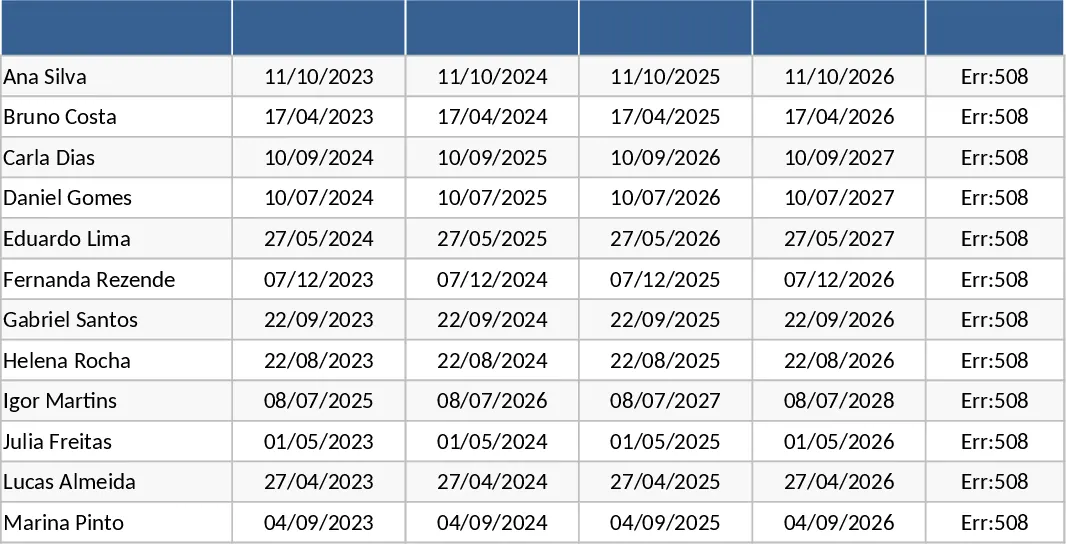
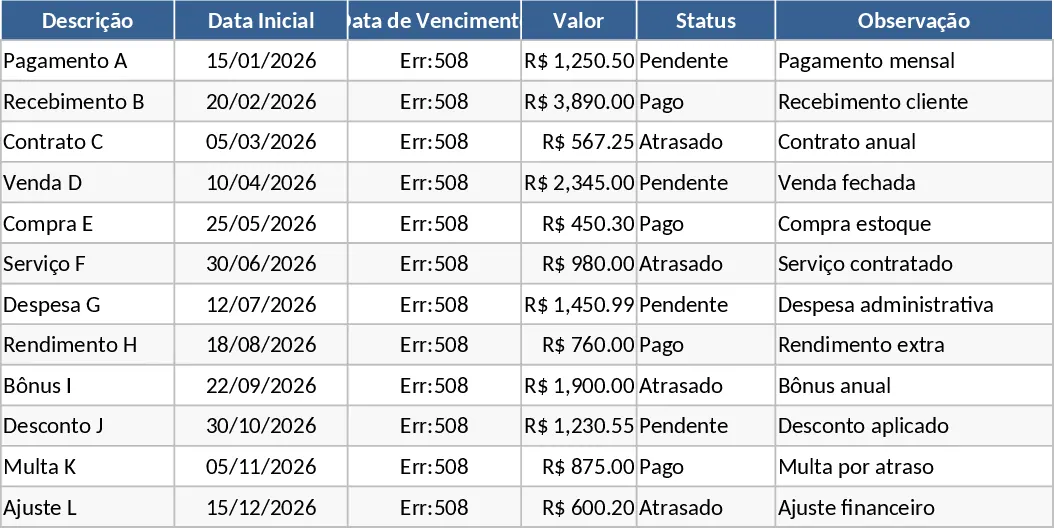
The template is built around a central tracking sheet that prioritizes clarity and ease of use. It features dedicated columns for the item or service name, the provider, the start date, and the specific term length. The heart of the spreadsheet lies in its pre-configured formulas. Once you input a start date, the system automatically calculates the exact expiration date for either a one-year or two-year period. This automation ensures that your data remains consistent and free from the manual calculation errors that often occur when handling multiple dates. You will also find a status column that uses conditional formatting to change colors as a deadline approaches—turning yellow when a renewal is 30 days away and red when it has expired.
This tool is particularly useful for anyone who needs to maintain a high-level view of their commitments. By centralizing all your expiration data, you can see at a glance which months will be heavy on renewals, allowing for better financial planning and resource allocation. It solves the problem of "hidden" costs by making every upcoming payment visible and predictable. The summary section provides a quick count of active versus expiring items, giving you a snapshot of your current operational status without needing to scroll through hundreds of rows.
How to use:
- Start by listing your contracts or subscriptions in the Item column and enter the date the current term began.
- Use the dropdown menu in the Term Length column to choose between 12 months or 24 months; the expiration date will populate instantly.
- Monitor the Status column regularly to identify which items require immediate attention or renewal negotiations.
- Update the start date once a renewal is processed to automatically reset the tracking cycle for the next period.
By implementing this template into your daily or weekly workflow, you can expect a significant reduction in the time spent auditing documents and a much higher level of confidence in your deadline management. It transforms a reactive process into a proactive strategy, ensuring you stay ahead of your obligations with minimal effort.