맞춤형 도형 풍부 청구서 엑셀 템플릿
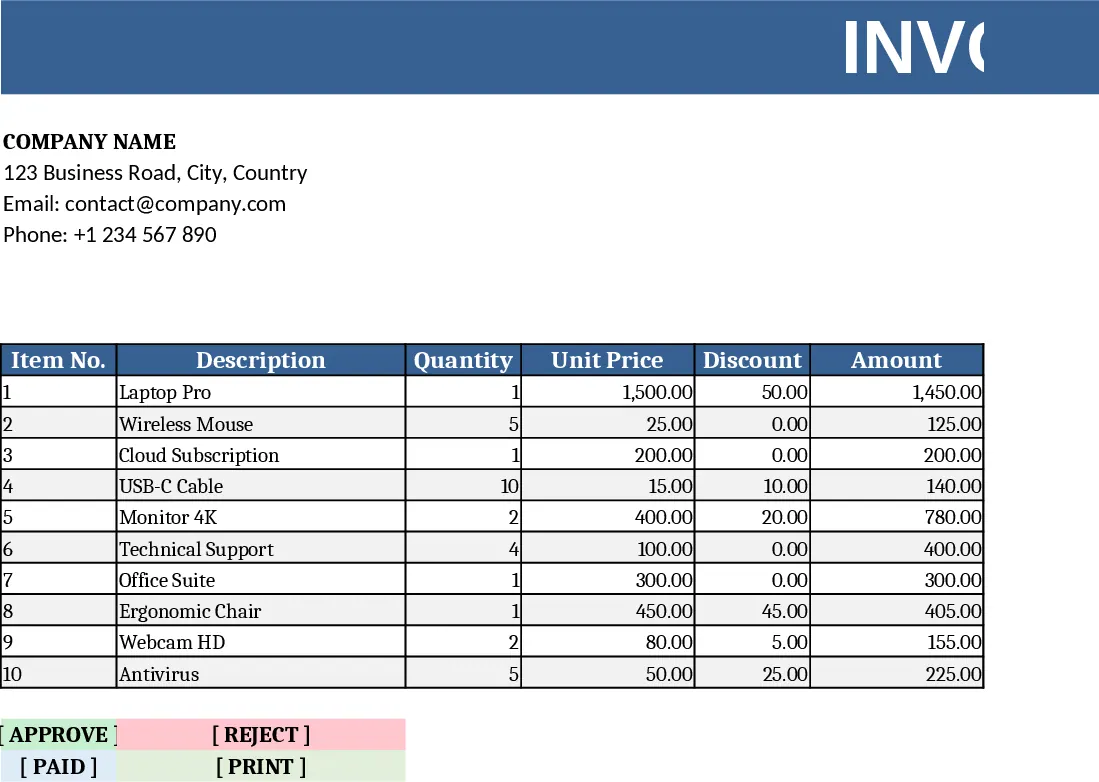
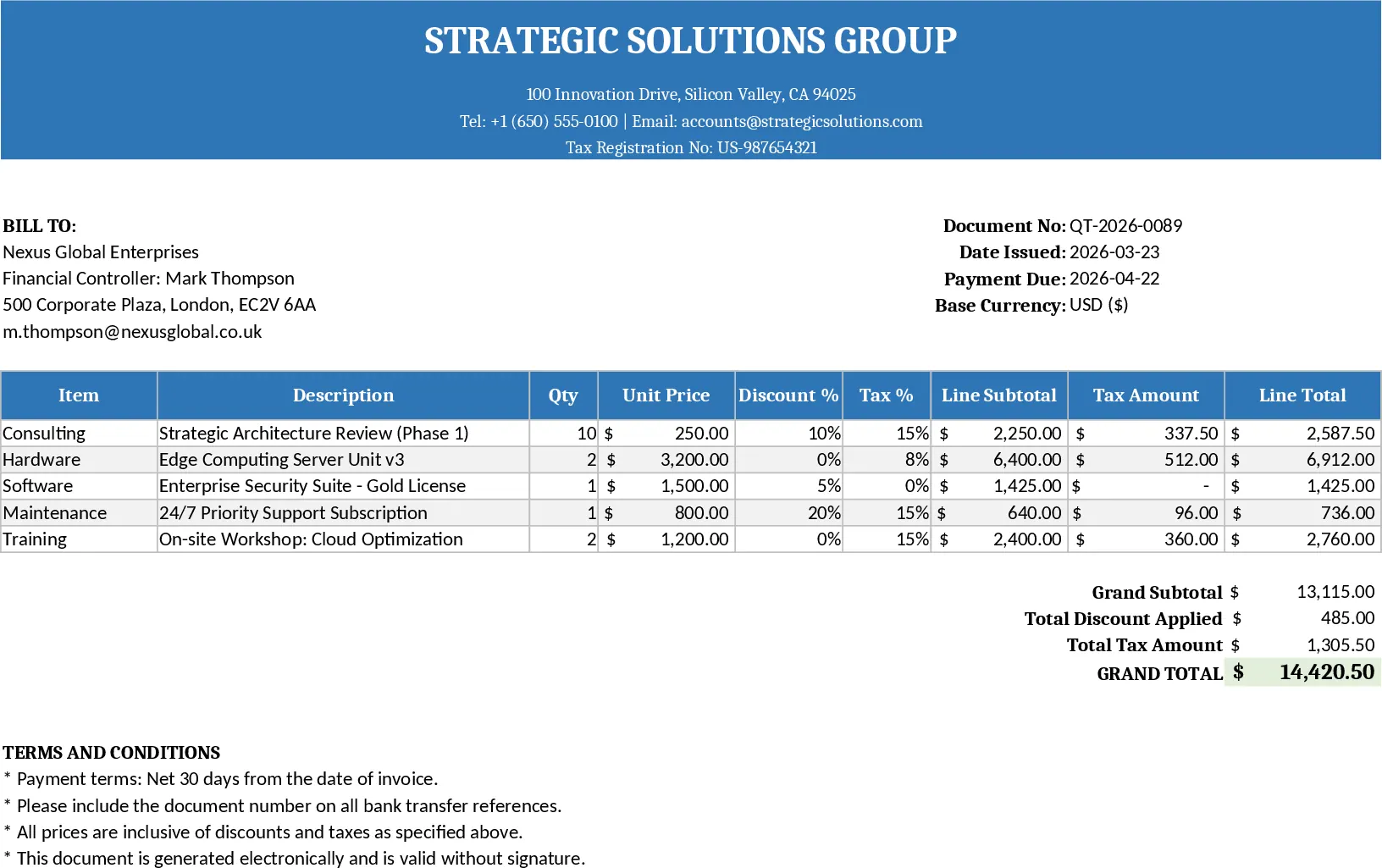
This Excel invoice template combines a clean, professional layout with a library of editable shapes so you can add your logo, signature, watermarks or decorative elements in seconds. The workbook contains three main sections: a header sheet for company details and branding, a line‑item sheet where you enter product or service descriptions, quantities, unit prices and tax rates, and a summary sheet that automatically calculates subtotal, tax, discounts and grand total. Drop‑down lists let you pick currency, tax percentages, and payment terms, while conditional formatting highlights overdue invoices. All calculations are driven by simple formulas, so the totals update instantly as you type.
The template solves the common headache of recreating the same invoice design for every client. By embedding shapes that can be resized, recolored, or replaced, you keep your branding consistent without spending time on manual drawing tools. It also eliminates errors in math, because every line‑item total and the final amount are computed automatically. Small business owners, freelancers, and accountants will find it especially useful when they need to generate polished invoices quickly, keep a record of issued bills, and maintain a uniform look across all client communications.
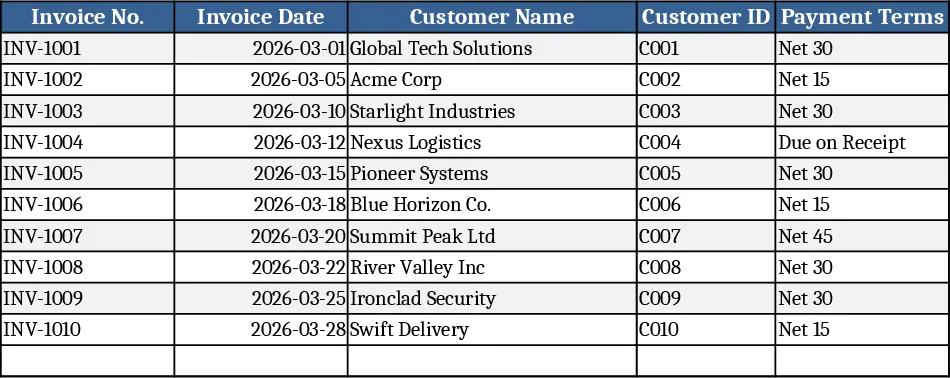
Anyone who sends invoices on a regular basis can benefit: independent consultants needing a quick quote, boutique shops tracking product sales, or office managers consolidating multiple client projects into one bill. The template helps you track each item’s description, quantity, unit cost, tax, and discount, while the summary sheet provides a snapshot of total revenue, tax collected, and outstanding balances. This visibility makes it easier to reconcile payments, forecast cash flow, and prepare end‑of‑month reports.
How to use
- Open the workbook and replace the placeholder logo shape with your own image; edit the company name, address and contact fields in the header sheet.
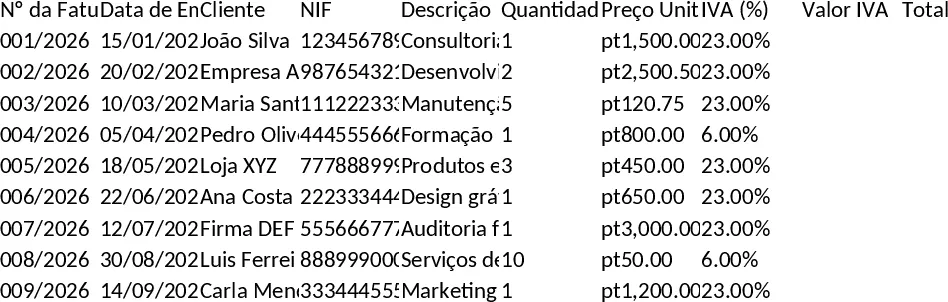
- In the line‑item sheet, enter each product or service, set the quantity, unit price and select the appropriate tax rate from the drop‑down.
- Adjust any discount or additional charge fields; the totals on the summary sheet will recalculate automatically.
- Review the final invoice, then click File → Save As to create a PDF or print directly from Excel.
Expected benefits include a noticeable reduction in time spent formatting each invoice, fewer calculation mistakes, and a consistent, branded look that reinforces professionalism with every client interaction.