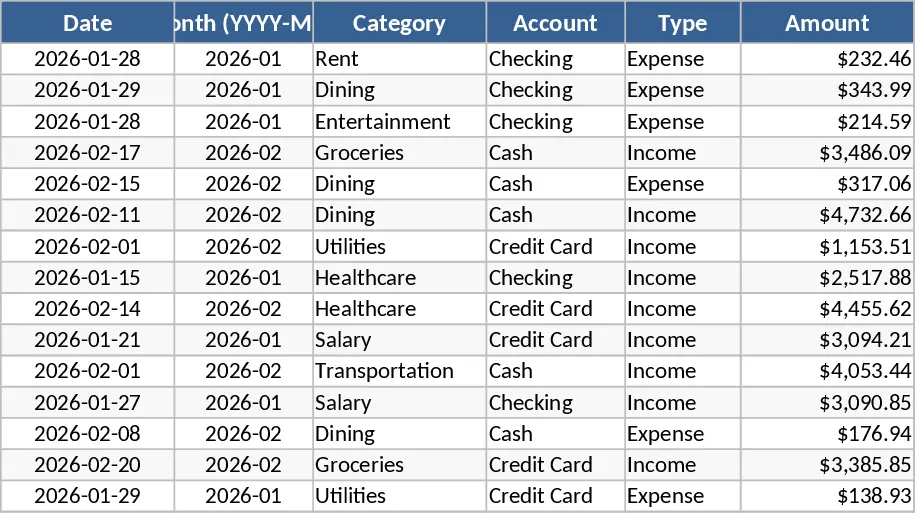
Personal Monthly Budget and Expense Tracker with Payment Methods Template
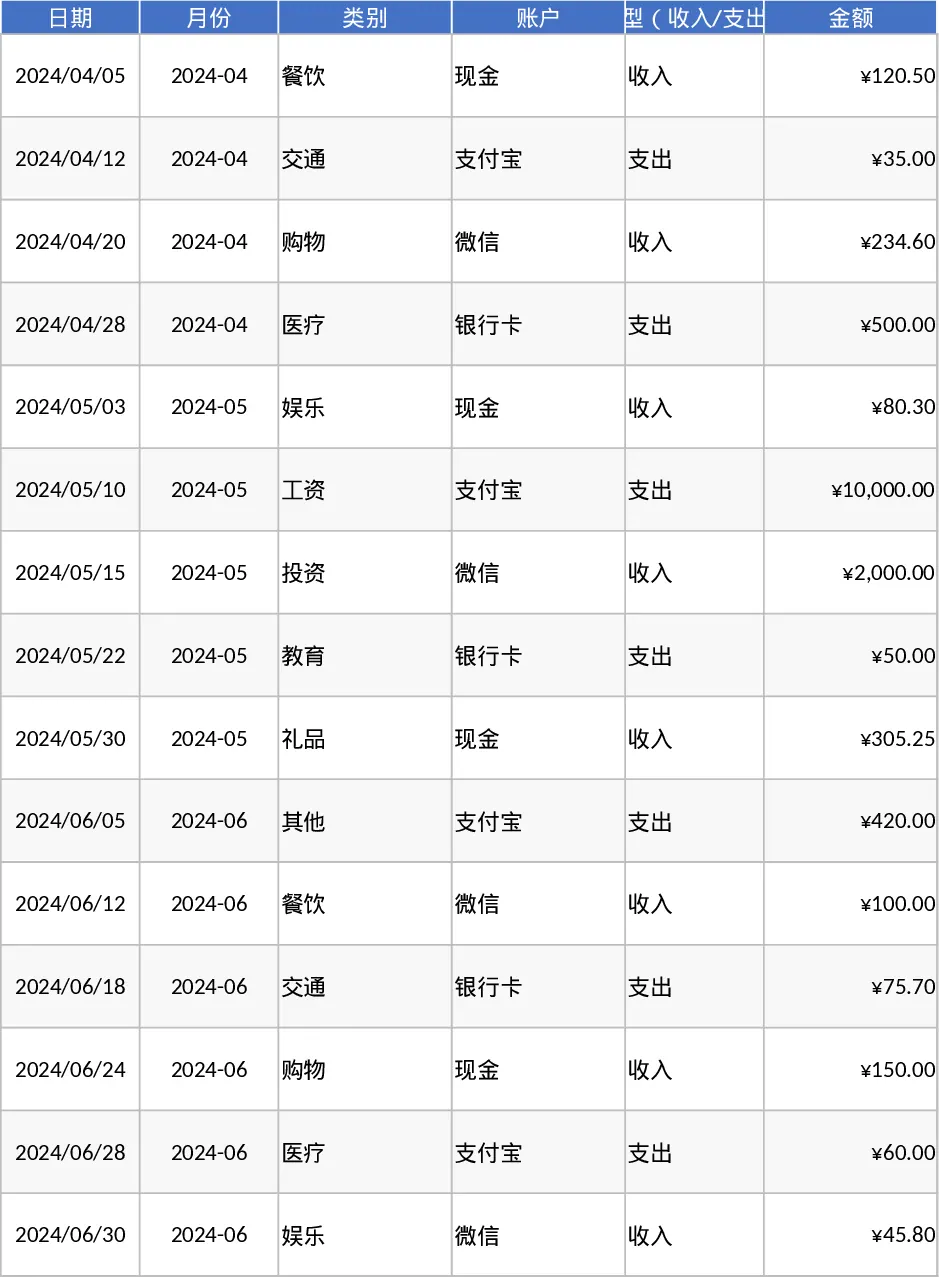
The Personal Monthly Budget and Expense Tracker is a robust financial management tool designed to help you take full control of your cash flow through a structured and automated approach. The template is built around three specialized worksheets that transform raw data into actionable insights. The Transaction Log serves as your primary data entry point, featuring automated date-to-month conversion and intuitive dropdown menus for categories, accounts, and payment methods. This ensures that your records remain organized and error-free, even when logging multiple transactions daily. The Budget Planning sheet acts as your financial watchdog, automatically pulling data from your logs to compare actual spending against your predefined limits. It uses smart conditional formatting to flag over-budget categories in red, providing an immediate visual cue to scale back when necessary.
This template is ideal for anyone looking to move away from messy notebooks or overly complex apps. It solves the common problem of hidden expenses by allowing you to track spending down to the merchant and payment method level. By centralizing your financial life, you can see exactly how much you are saving—or losing—each month. It is particularly useful for households managing multiple income streams and various expense types, from fixed bills like rent to discretionary spending like dining out. The Data Dashboard brings everything together with professional visualizations, including a pie chart for category breakdowns, a line graph for weekly spending trends, and a Top 10 Merchant list to identify where your money is most frequently spent. This high-level overview helps you identify patterns that are often missed when looking at individual receipts.
How to use:
- Define your unique spending categories and accounts in the setup area to ensure the dropdown menus in the Transaction Log reflect your personal financial structure.
- Record your daily transactions by filling in the date, amount, and category; the template will automatically calculate the month and update your totals across all sheets.
- Input your monthly budget goals for each category in the Budget Planning sheet to activate the variance tracking and over-budget alerts.
- Navigate to the Data Dashboard to view your total income, net savings, and visual spending patterns, allowing you to adjust your financial strategy in real-time for the coming weeks.
Expected benefits: By automating the calculation and visualization process, this template significantly reduces the effort required for monthly bookkeeping while providing the clarity needed to increase your net savings and reduce unnecessary debt.
相似模板推荐
Personal Monthly Budget and Expense Tracker with Budget Plan and Category Budgets Template
Manage personal finances by tracking daily transactions, setting category budgets, and visualizing spending habits with an automated dashboard.
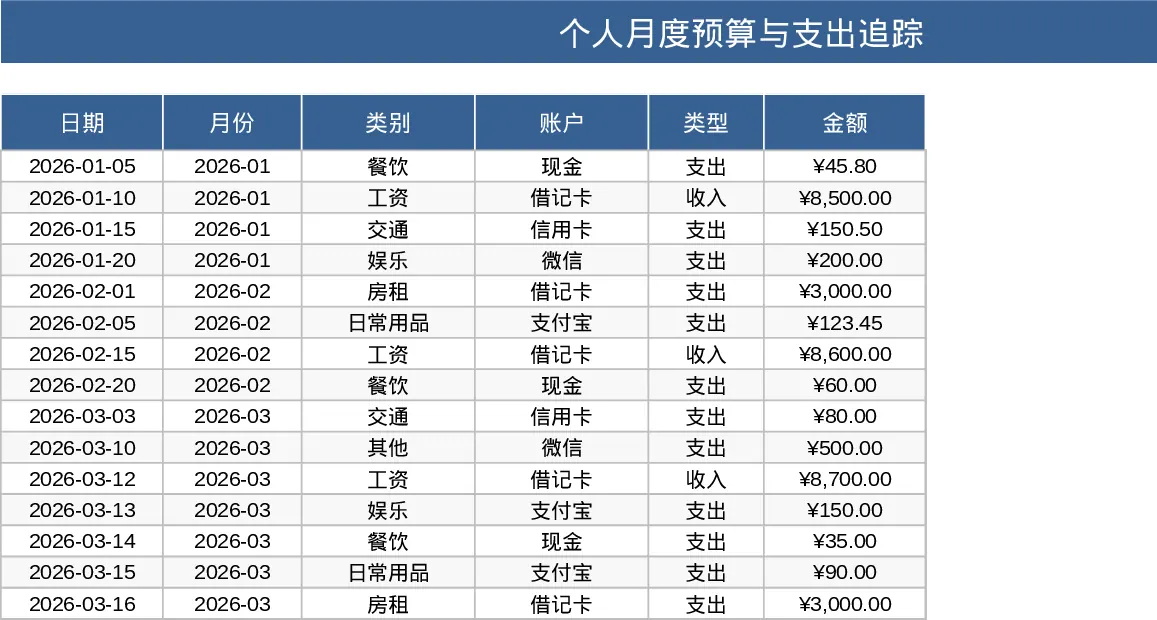
Personal Monthly Budget and Expense Tracker with Transaction Log and Net Savings Template
Take control of your personal finances by tracking daily expenses and income against monthly budget goals with automated visual insights.
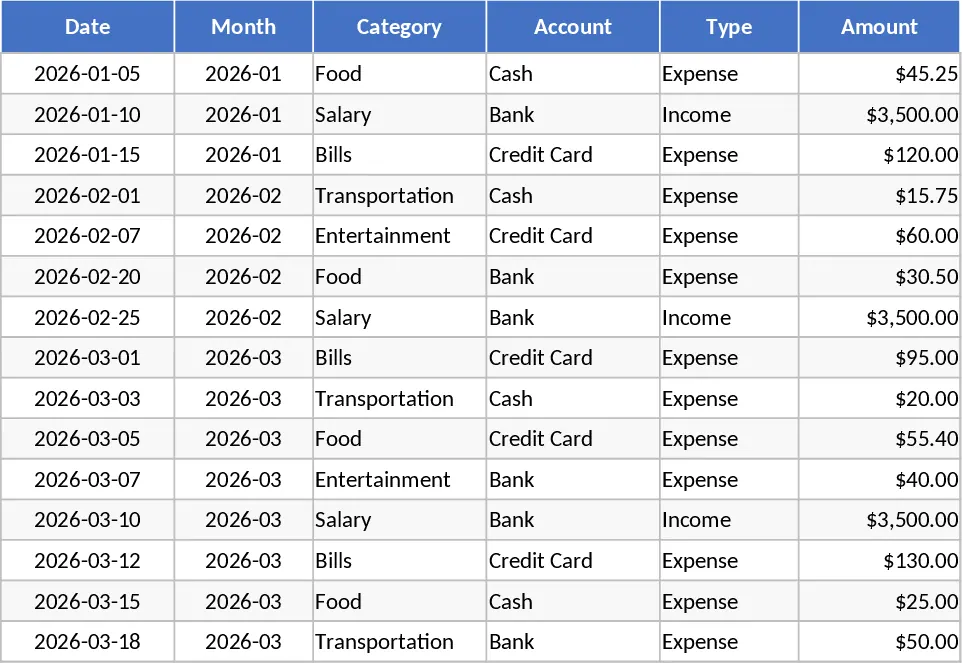
Personal Monthly Budget and Expense Tracker with Dashboard and Budget vs Actual Template
Track daily spending, manage monthly budgets by category, and visualize savings goals with an automated dashboard and transaction log.