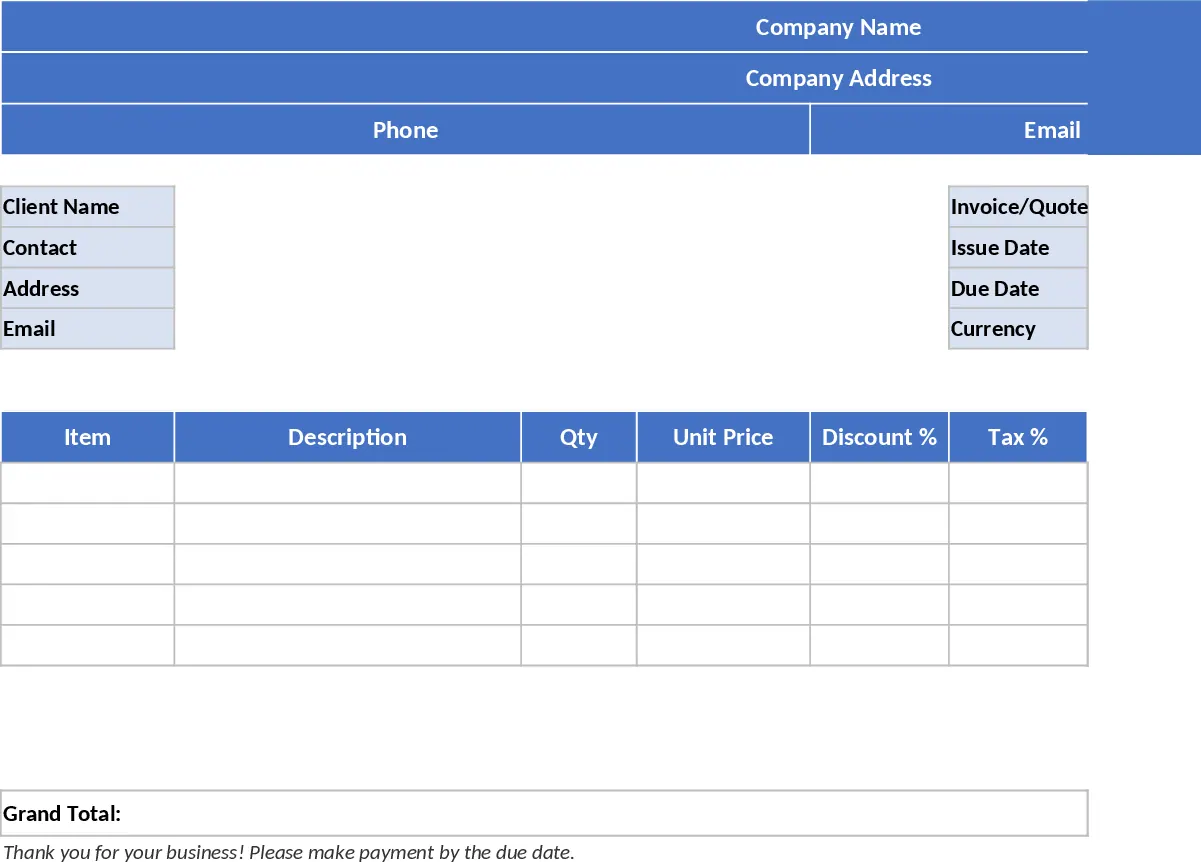
Printable Offer & Invoice Excel Template
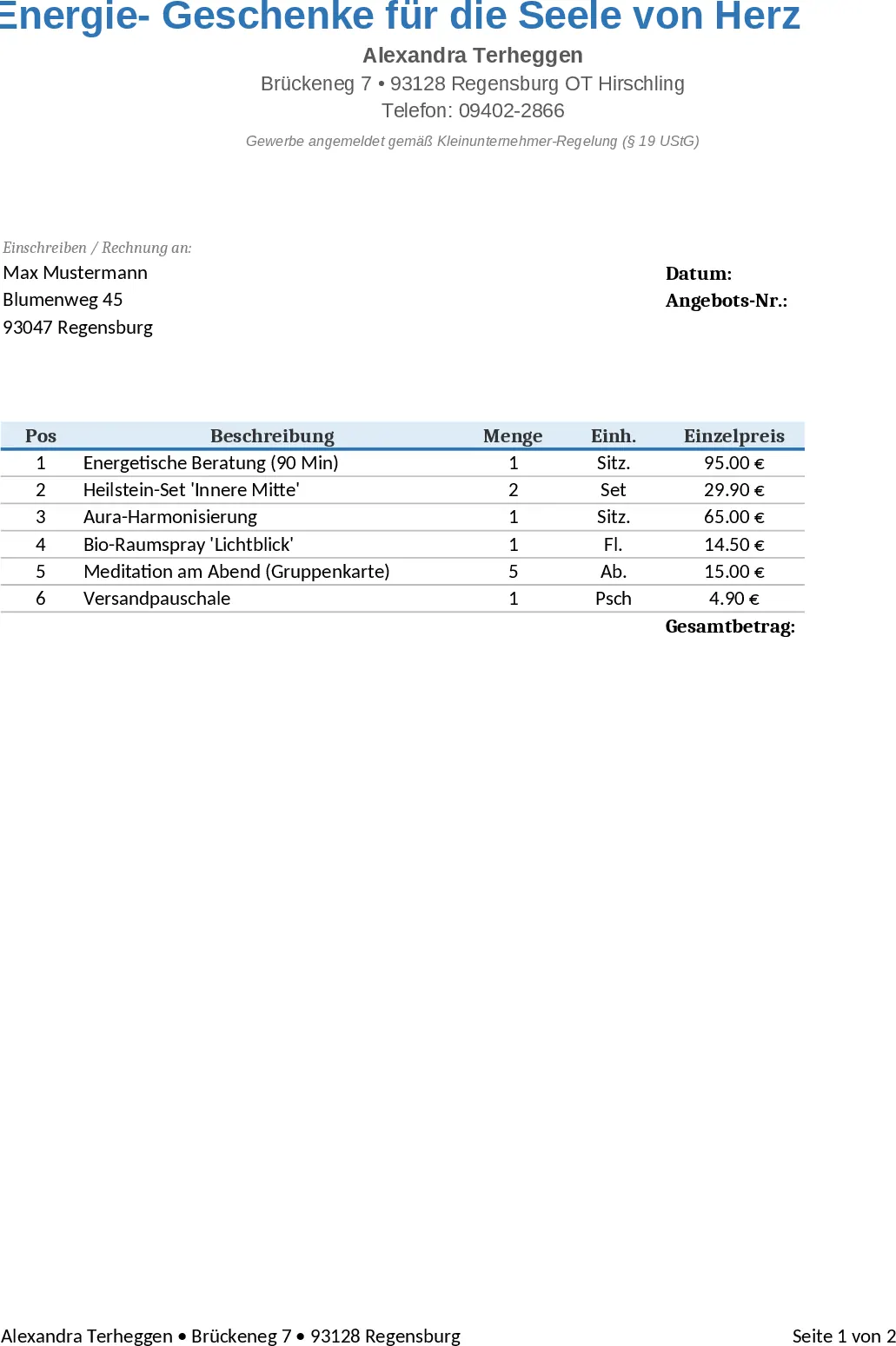
This Excel workbook is a single‑sheet, print‑ready solution for creating polished offers and invoices. The top section holds your company header – name, address, phone, e‑mail and tax ID – followed by a client block where you enter the customer’s name, contact person, address and e‑mail. Below that, invoice details such as document number, issue date, due date and currency are captured. The core of the template is a table of line items with columns for Item, Description, Quantity, Unit Price, Discount %, Tax %, Sub‑total, Tax Amount and Line Total. Formulas automatically compute each sub‑total (Quantity × Unit Price × (1‑Discount%)), tax amount and line total. At the bottom, summary rows roll up Sub‑total, Total Discount, Total Tax and Grand Total, all formatted for the chosen currency. A clean print area is predefined, and five example rows are provided for quick reference, while a blank version is ready for immediate use.
The template eliminates tedious manual calculations and reduces errors in pricing, discounting and tax handling. By centralising all required fields and automating the math, you get consistent, professional‑looking documents in seconds. It also ensures that every quote or invoice complies with local tax regulations by enforcing percentage limits and proper formatting. The ready‑to‑print layout means you can generate PDFs or hard copies without additional design work, speeding up the billing cycle and improving cash flow.
Ideal for freelancers, small‑business owners, sales teams, and accountants who need a fast, reliable way to issue quotes and invoices without investing in specialized software. Whether you are billing a client for a one‑off project, sending a formal offer to a prospect, or tracking multiple line items for a larger order, this template adapts to any scenario. It helps you keep a clear record of each transaction, making it easy to review past offers, reconcile payments, and prepare financial reports.
How to use
- Open the workbook and fill in your company information in the header block.
- Enter the client’s details and invoice metadata (number, dates, currency) in the designated fields.
- Add your products or services in the line‑item table; the formulas will instantly calculate discounts, tax and totals.
- Review the summary section, adjust any formatting if needed, then print or export to PDF.
Expected benefits: faster document creation, fewer calculation errors, and a more professional appearance that can help accelerate payment collection.
相似模板推荐
A4 Printable Quote & Invoice Excel with Printable Report Template
A ready‑to‑print Excel quote and invoice template that auto‑calculates line totals, discounts, taxes and grand totals for professional billing.
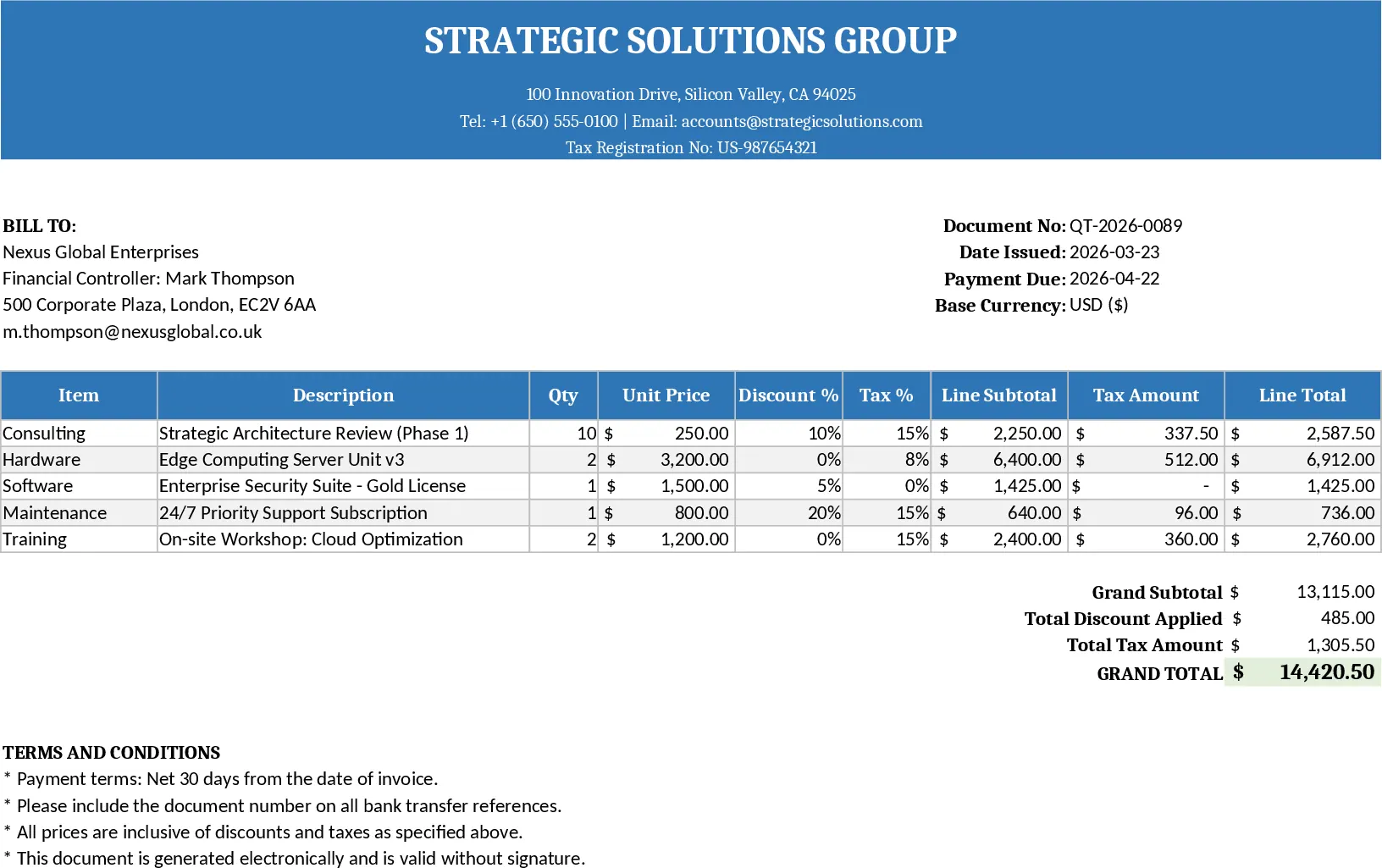
Professional Quote and Invoice Excel Template
Create printable Excel quote and invoice templates with company and client details, line items, automatic calculations, and a clean layout.
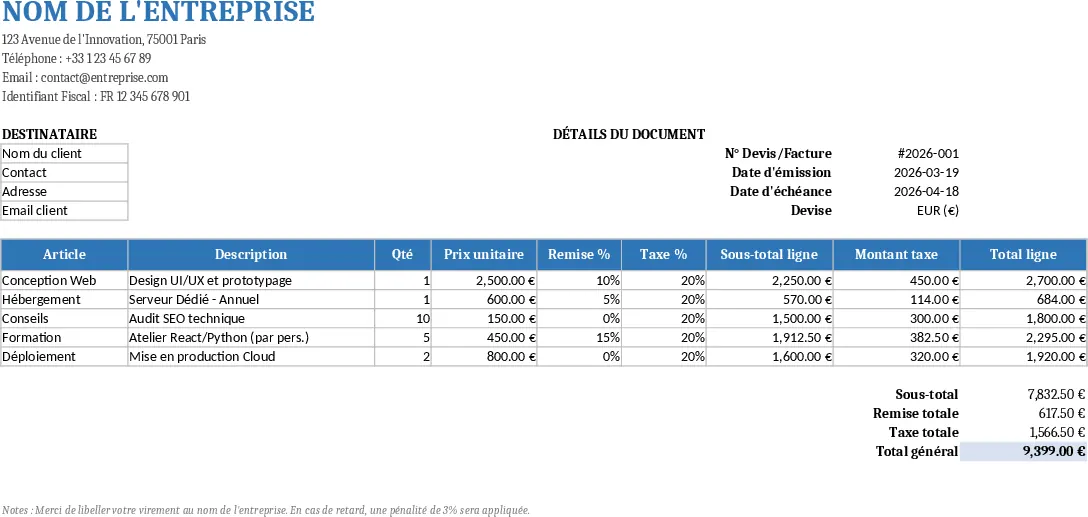
A4 Printable Quote & Invoice Excel with Invoice Generator Template
A printable Excel quote and invoice template with built‑in calculations for line items, taxes, discounts and grand totals.