Action Plan Dashboard Template
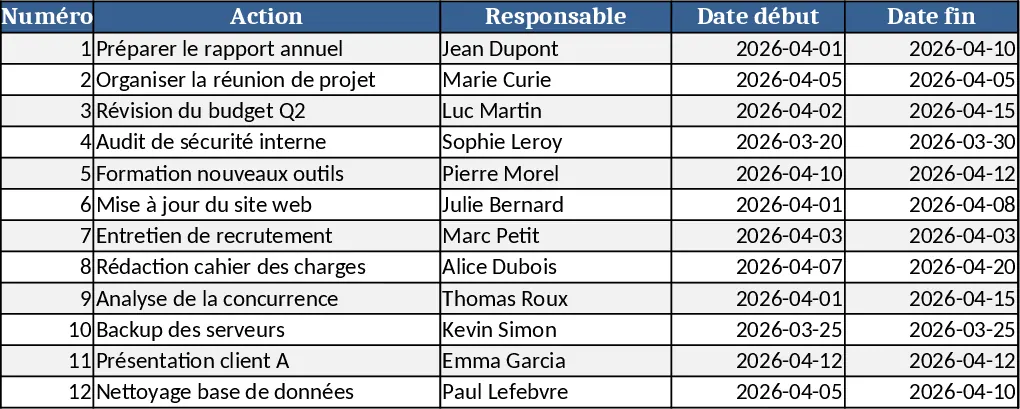
This template is organized into two main sheets. The Action Plan sheet is a structured table where you list every task with columns for Task ID, Description, Owner (chosen from a dropdown of team members), Start Date, End Date, Status (Not Started, In Progress, Completed, On Hold), Priority (Low, Medium, High) and Comments. The second sheet, Dashboard, pulls data from the action‑plan table and displays key metrics through pivot tables and charts: total tasks, tasks by status, upcoming deadlines, workload per owner, and overall completion percentage. All visuals update automatically as you edit the task list, giving you an instant snapshot of project health.
The template solves the common headache of scattered task information and manual status reporting. By centralizing task details and visualizing them in a single dashboard, you eliminate duplicate spreadsheets, reduce the time spent compiling updates, and gain clear insight into bottlenecks. It’s especially valuable for project managers, team leads, and anyone coordinating multi‑person initiatives who needs to keep deadlines visible and responsibilities accountable.
Who benefits most? Project managers overseeing short‑term campaigns, product development sprints, or departmental initiatives; team leads who assign work and monitor progress; and small business owners who want a simple yet powerful way to plan and review actions without investing in complex software. The template helps you track who is doing what, when it’s due, and how far along each item is, turning raw data into actionable intelligence.
How to use
- Open the Action Plan sheet and start entering your tasks. Select the appropriate Owner from the dropdown, set realistic start and end dates, and choose a Status and Priority.
- Switch to the Dashboard sheet – the charts and summary tables will refresh automatically, showing the current distribution of tasks and any overdue items.
- Use the built‑in filters on the Action Plan to focus on a specific owner or status, then watch the Dashboard reflect those changes in real time.
- Export the Dashboard as a PDF or share the workbook with stakeholders to provide a concise status update.
Expected benefits: faster weekly reporting, clearer visibility into workload, and fewer missed deadlines, all with minimal manual effort.
相似模板推荐
Innovation Project Management Dashboard Template
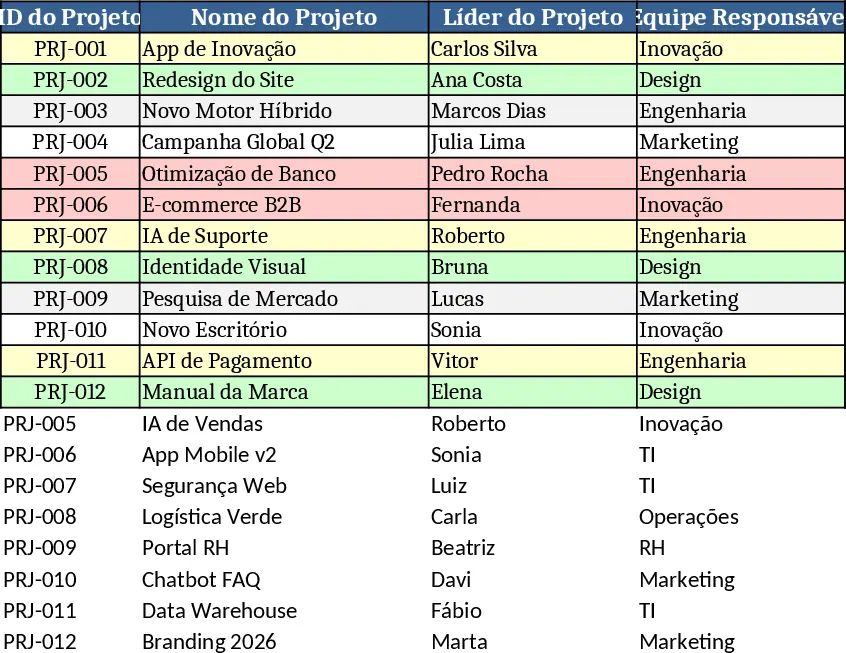
Track and monitor innovation projects with automatic task completion rates, status alerts, and a visual dashboard of performance metrics.
Multi-Project Planner with Dashboard Template
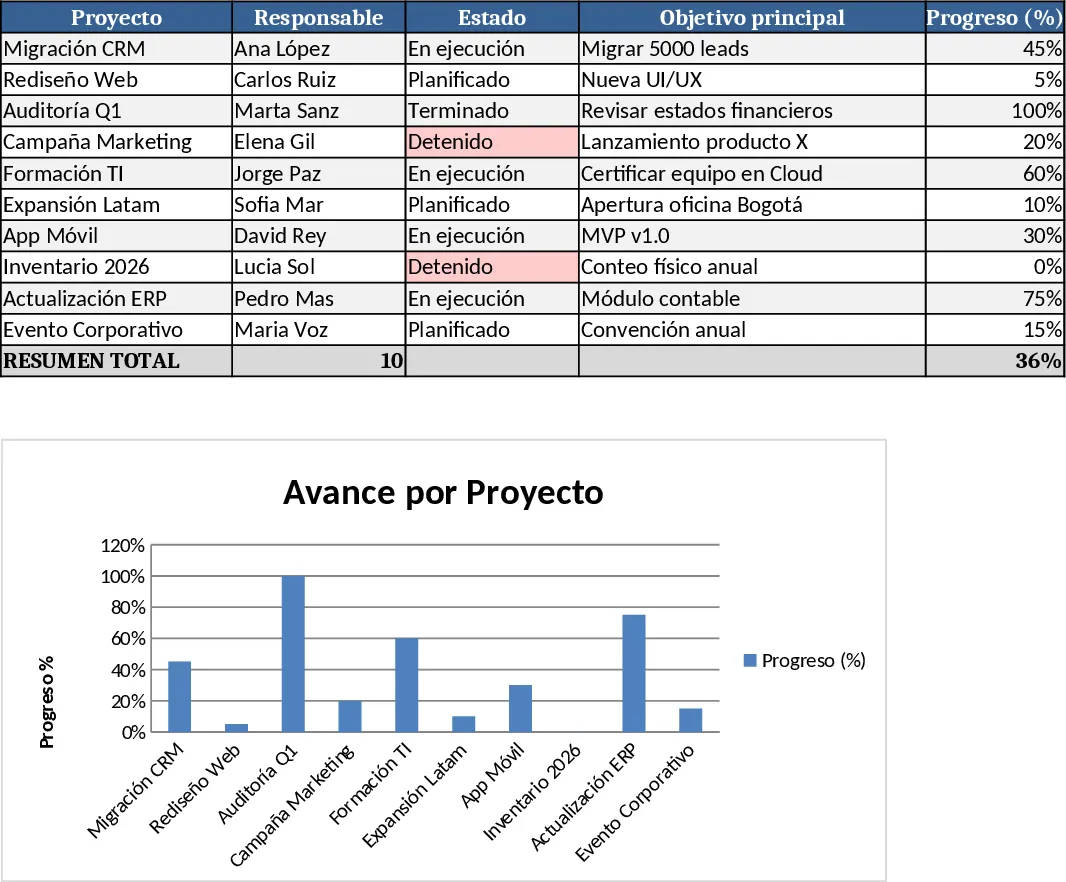
A comprehensive Excel template to plan, execute, and monitor projects with detailed steps, timelines, objectives, and visual dashboards.
Consolidated Project Gantt Chart Template
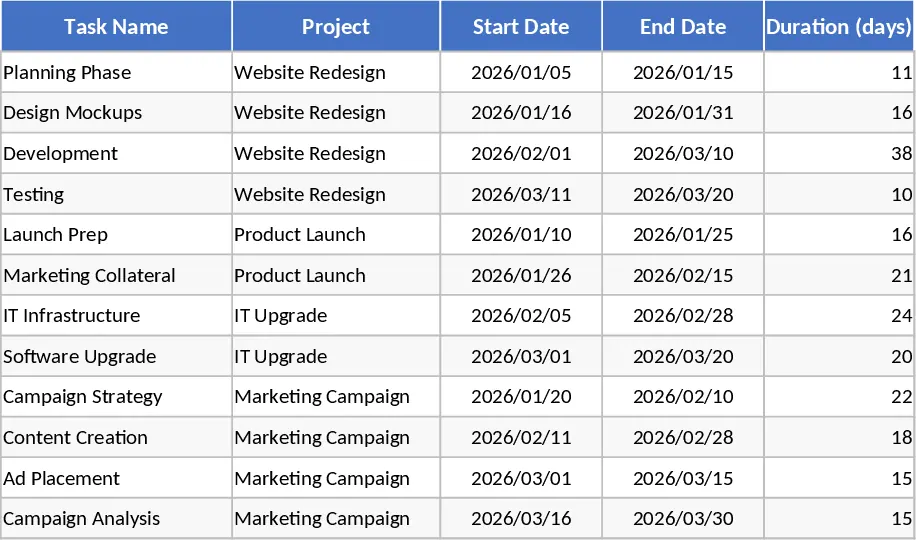
Track multiple project timelines and milestones in one unified view to monitor progress and manage deadlines across your entire portfolio.