Company-wide Task Tracker Dashboard Template
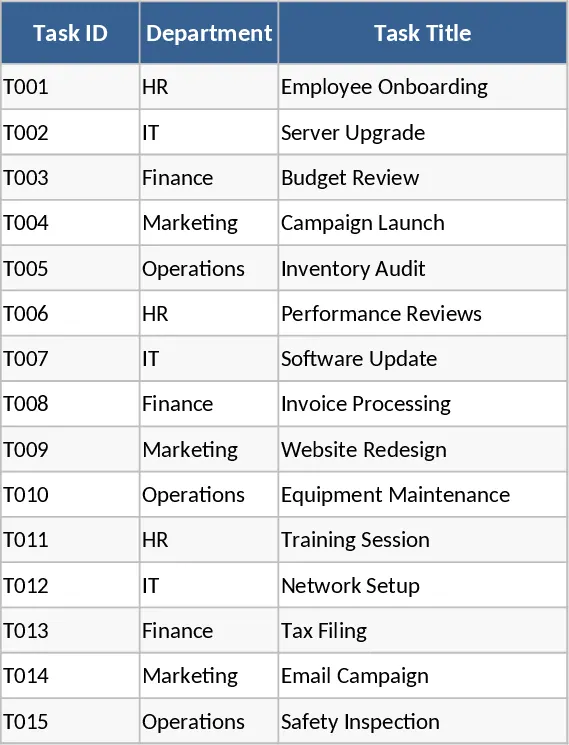
This Excel template provides a single place to capture every task across all departments in your organization. The workbook contains three main sheets: a Task List where you enter each task’s details, a Lookup sheet that stores dropdown options for priority and status, and a Dashboard that visualizes key metrics. In the Task List you’ll find columns for Task ID, Department, Task Title, Description, Assigned To, Priority (High, Medium, Low), Status (Not Started, In Progress, Blocked, Completed), Start Date, Deadline, Progress %, Last Update, Blockers / Risks, and Next Action. Conditional formatting automatically colors the Status column – red for Blocked, orange for In Progress, green for Completed, etc. – so you can spot issues at a glance.
The template is ideal for project managers, operations leads, and department heads who need to keep tabs on work items without investing in complex software. It solves the common problem of scattered task information by consolidating everything into one spreadsheet, making it easy to see who is responsible for what, which tasks are overdue, and how each department contributes to overall progress. The dashboard sheet pulls data from the Task List and displays three key charts: tasks by department, a list of delayed tasks, and an overall progress gauge. These visuals help you quickly assess workload distribution, identify bottlenecks, and communicate status to stakeholders.
Users can track the lifecycle of each task from creation to completion, monitor progress percentages, and record blockers or risks that may affect timelines. By having a clear view of upcoming actions and current impediments, teams can prioritize work more effectively and reduce the time spent chasing updates. The template also supports easy filtering and sorting, allowing you to focus on high‑priority items or tasks assigned to a specific team member.
How to use
- Open the workbook and go to the Task List sheet. Fill in a new row for each task, selecting Department, Priority, and Status from the dropdowns.
- Update the Progress % and Last Update fields regularly as work advances; the conditional formatting will adjust the status colors automatically.
- Switch to the Dashboard sheet to see real‑time charts; the visuals refresh whenever you modify the Task List.
- Use the filters at the top of the Task List to view tasks by department, status, or deadline, and export filtered views if needed.
Expected benefits include faster identification of delayed tasks, clearer accountability across departments, and reduced manual reporting effort, letting you focus more on getting work done rather than gathering data.
相似模板推荐
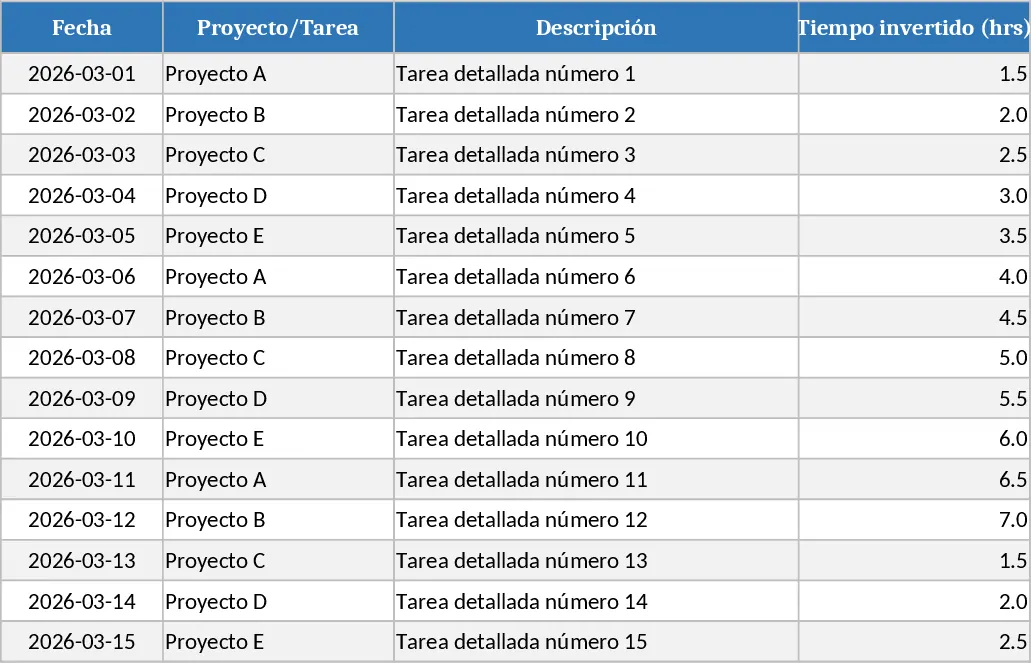
Professional Daily Work Log Dashboard Template
Professional Excel daily work log with dropdowns, conditional formatting, auto summaries and visual dashboard.
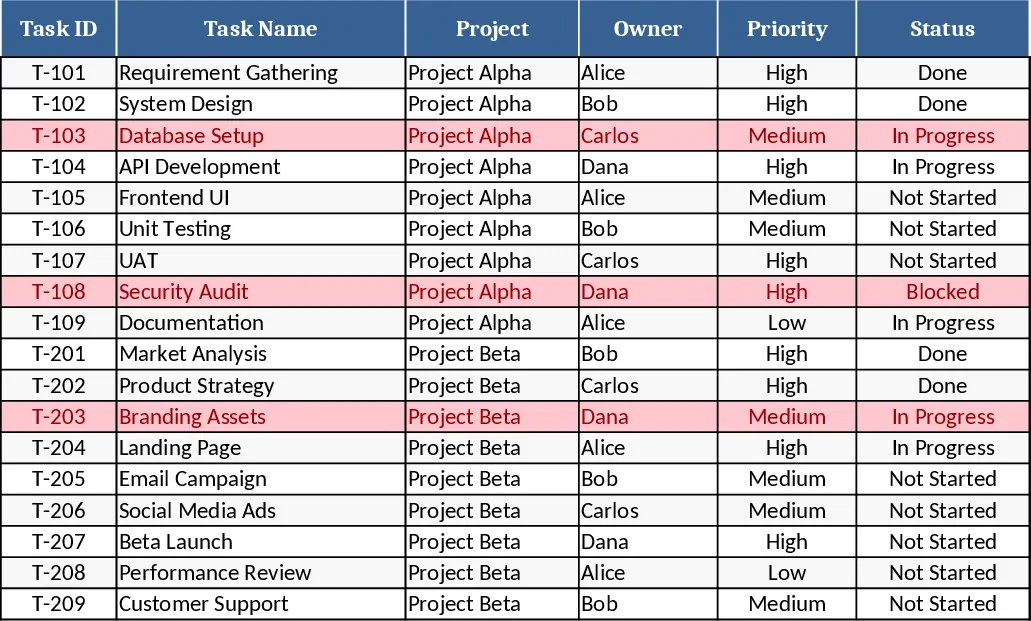
Project Task Tracker & Overview with Conditional Formatting Template
Track, prioritize, and monitor project tasks with owner assignments, status, deadlines, and visual summaries of progress and overdue items.
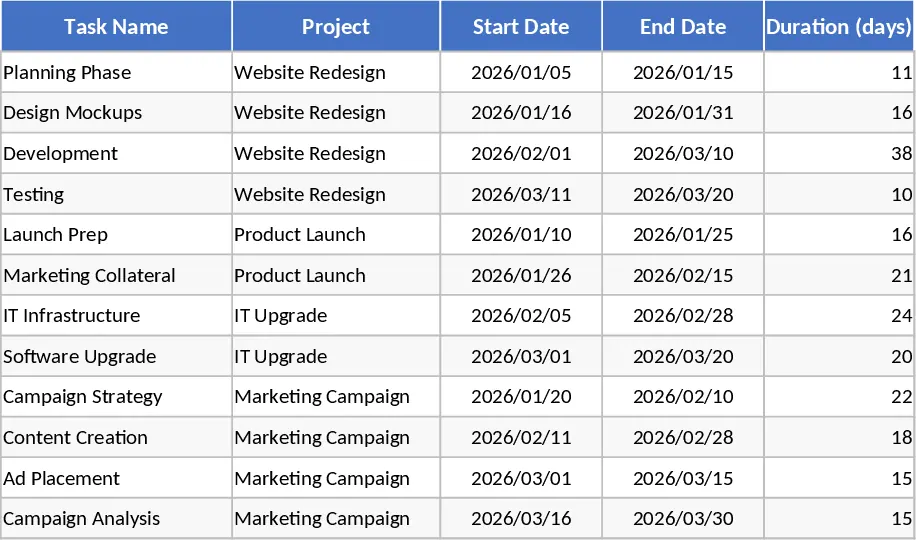
Consolidated Project Gantt Chart Template
Track multiple project timelines and milestones in one unified view to monitor progress and manage deadlines across your entire portfolio.